.jpg?width=1536&height=1024&name=compressed_image%20(6).jpg)
Smashed Camera? Here's What Happens to Your Footage

Wired
A thief smashes your camera, rips the recorder off the wall, and walks out with it. Whether you still have footage depends entirely on one choice you made months ago — where that footage was being stored. Cloud security camera storage keeps your video safe off-site, so a destroyed camera or stolen DVR cannot touch it. Local-only storage gives a thief everything they need to erase the evidence of their own crime, all in one box. That single difference is what separates businesses that recover from an incident from businesses that eat the loss alone.
Why a Smashed Camera Is a Bigger Problem Than Most Owners Realize
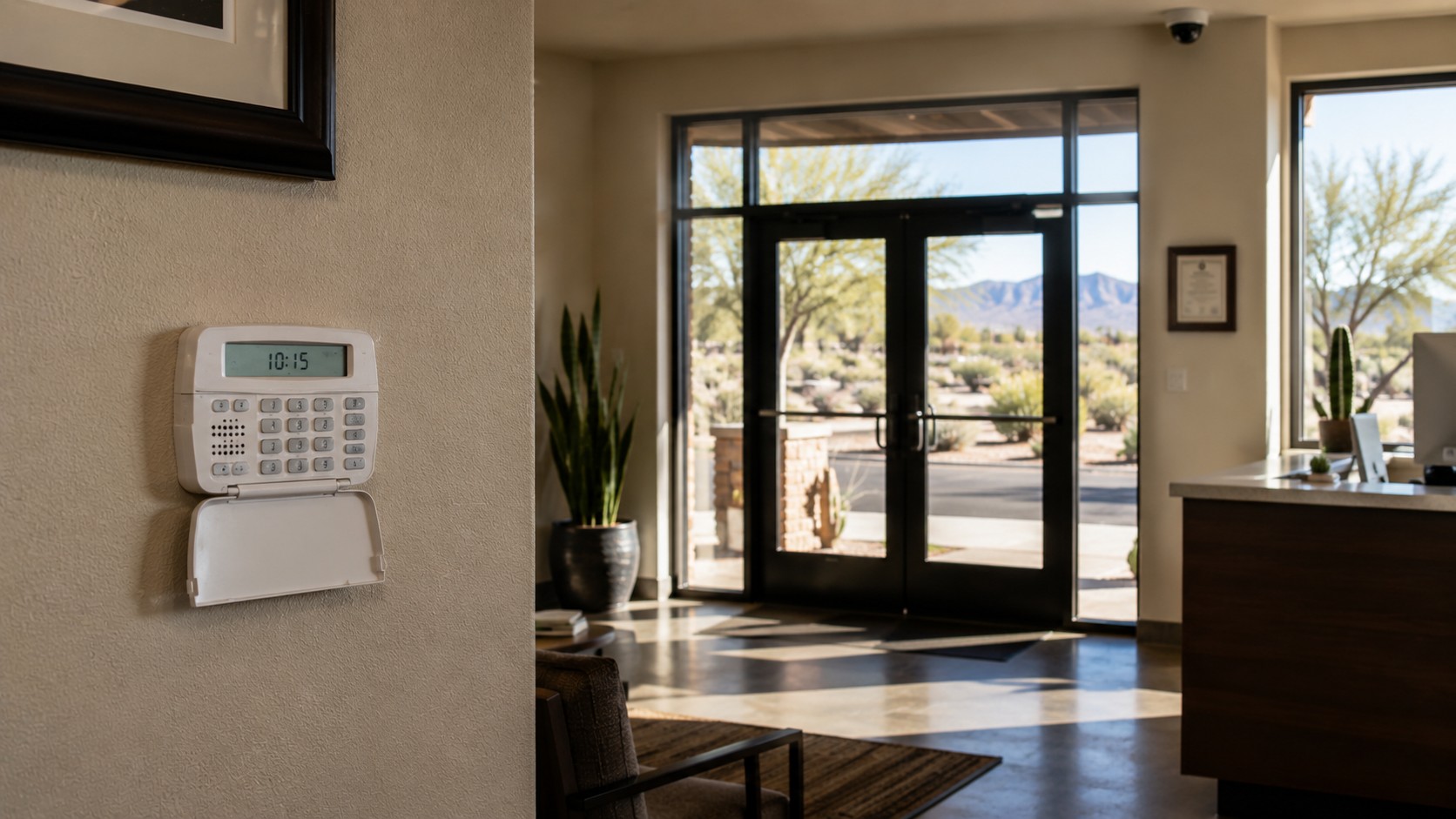
When someone breaks into a business, the first target is often not the cash drawer. It is the recorder. Thieves know that if they find and take the DVR or NVR, your proof of the crime walks out the door with them.
Here is the simple truth: cameras are only as safe as the place that stores the footage.
- Smashed camera, local storage: If the camera was storing video onboard — or feeding a nearby DVR that also gets stolen — the evidence is gone.
- Smashed camera, cloud storage: The footage already lives off-site. The thief destroyed a device, not the proof.
- Smashed camera, hybrid storage: You get both — local recording for speed and reliability, plus a cloud copy that survives anything physical.
That distinction matters. Insurance claims, police reports, and court cases all depend on clear, uninterrupted footage. A blank recorder or an empty SD card can turn a straightforward case into a very expensive write-off.
How Cloud Security Camera Storage Actually Works
Cloud security camera storage moves your footage off the property as it is recorded. The camera captures video, encrypts it, and sends it to a secure off-site data center — usually within seconds. From there, you can access it from any device, anywhere.
Here is what that looks like in practice:
- The camera records video and uploads it in real time to the cloud.
- Footage sits on encrypted servers, safe from physical damage on-site.
- You pull clips or live feeds from a laptop, phone, or tablet.
- Authorized users get access. Unauthorized users do not.
- Retention rules live in software — no hard drives to swap, no tapes to rotate.
The most common system we install in New Mexico uses a hybrid model. Each camera has onboard storage, so footage records reliably even during a brief internet outage. The same footage then syncs to the cloud the moment the connection returns. Wired's Verkada security camera systems are built around this exact architecture — proven, scalable, and designed to keep evidence safe no matter what happens to the hardware on-site.
Local Storage vs. Cloud Security Camera Storage: The Real Trade-Offs
Local storage is not bad. It has real strengths. But so does cloud. Most businesses do best with a setup that combines both, which is why we typically recommend hybrid.
Here is how they stack up:
- Local storage strengths: No monthly fees, full control of the footage, works even when internet goes down.
- Local storage weaknesses: A thief can steal the recorder. Fire, flooding, or vandalism can destroy it. Hard drives fail without warning.
- Cloud strengths: Footage survives physical attacks. Access from anywhere. No hard drives to maintain. Easy to scale across multiple locations.
- Cloud weaknesses: Monthly cost. Dependent on internet quality and bandwidth.
For a deeper comparison, read our guide on cloud storage vs. local storage for security cameras. And if your system also relies on a steady power source, our post on whether security cameras still work during a power outage walks through what happens when the lights go out.
Why Thieves Target the Recorder First
Most commercial break-ins follow a predictable pattern. The intruder enters, grabs what they came for, and looks for the DVR before leaving. This is not paranoia — it is common enough that security integrators plan around it.
According to Verkada's guide on protecting cameras from vandalism, destroying the recorder is one of the most common ways criminals try to erase evidence. Thieves know where to look, they know what to take, and they know that without the recorder, the cameras themselves are just plastic and glass.
That is why a well-designed system keeps the recorder locked in a secure room, backs up footage off-site, and uses tamper alerts that trigger the moment someone touches the hardware. Cloud security camera storage is not the only layer — but it is the layer that cannot be smashed.
Signs Your Current Setup Is at Risk
Not sure if your footage is actually protected? Here are a few fast checks:
- Can you pull yesterday's video from your phone right now, without being on-site? If no, your storage is probably local-only.
- Is your DVR sitting in an open closet, under a desk, or inside a front-of-house office? If yes, it is easy to find and easy to take.
- Does your system warn you when a camera or recorder goes offline? Many older systems fail silently for days.
- Do you know your current footage retention period? If not, you may already be overwriting evidence every few days.
- Has anyone tested a footage pull in the last six months? Systems that work today do not always work tomorrow.
If more than one of these hits home, the cameras on your property are giving you less protection than you think. The fix is not always a full system swap — sometimes it is adding cloud backup to what you already have.
What a Better Cloud Security Camera Storage Setup Looks Like
A strong commercial camera system protects footage on three levels at once:
- At the camera: Vandal-rated housings and onboard storage so the camera keeps recording even if the network drops.
- At the recorder: Locked location, tamper alerts, and redundant storage so a single point of failure does not take down the whole system.
- In the cloud: Encrypted off-site backup so the evidence survives anything that happens to the building.
This is exactly how modern cloud security camera storage works in the systems we install. The goal is simple: give the thief no way to destroy the proof.
If your current cameras would not survive a determined intruder, it is time to rethink the setup. A 20-minute walkthrough can tell you exactly where the gaps are.
Protect the Proof, Not Just the Property
Cameras protect property. Cloud security camera storage protects the evidence that lets you recover from a loss. That is the difference between a business that bounces back from an incident and one that eats the cost alone.
Wired's commercial security camera installation covers Albuquerque, Santa Fe, Rio Rancho, and the surrounding region. Our team designs systems that keep working when things go wrong — because the moment something goes wrong is the moment the footage matters most.
Want to know if your current cameras would survive a break-in? Contact Wired today for a free on-site walkthrough. We will show you exactly where your footage lives — and what would happen to it if someone came through your back door tonight.