.jpg?width=1200&height=800&name=night_vision_comparison_optimized%20(1).jpg)
Your Security Cameras at Night Are Probably Useless — Here's Why

Wired
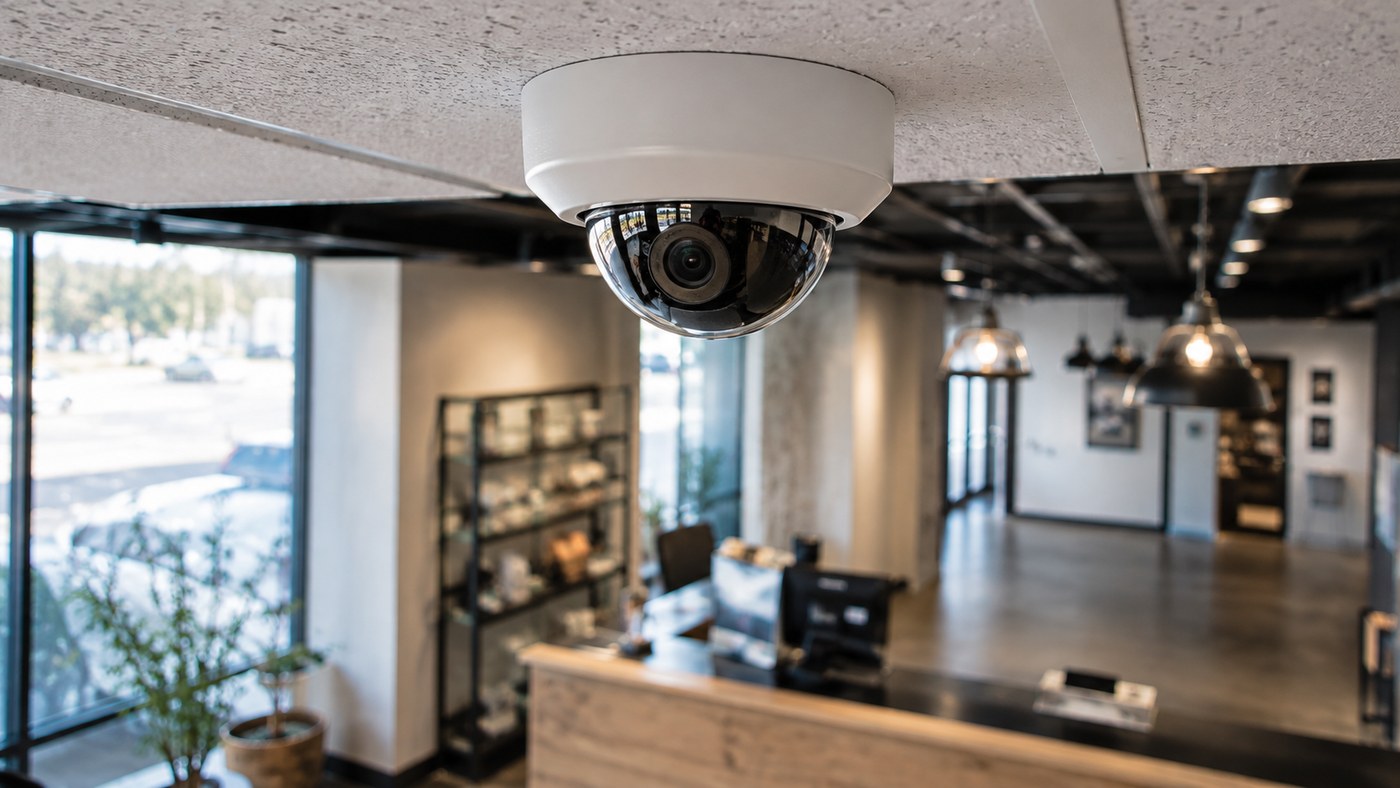
Security camera placement for businesses is the most important decision in any camera system, and the one most business owners get wrong. The best cameras in the world won't protect you if you point them at the wrong spots. This guide covers exactly where to install cameras, how many you need, and the placement mistakes that leave businesses exposed.
Why Placement Matters More Than the Camera Itself
Most business owners focus on camera specs: resolution, night vision, brand. Those things matter. But a 4K camera pointed at a wall gives you better footage of nothing. A well-placed mid-range camera covering a blind spot is worth ten times more in a real incident.
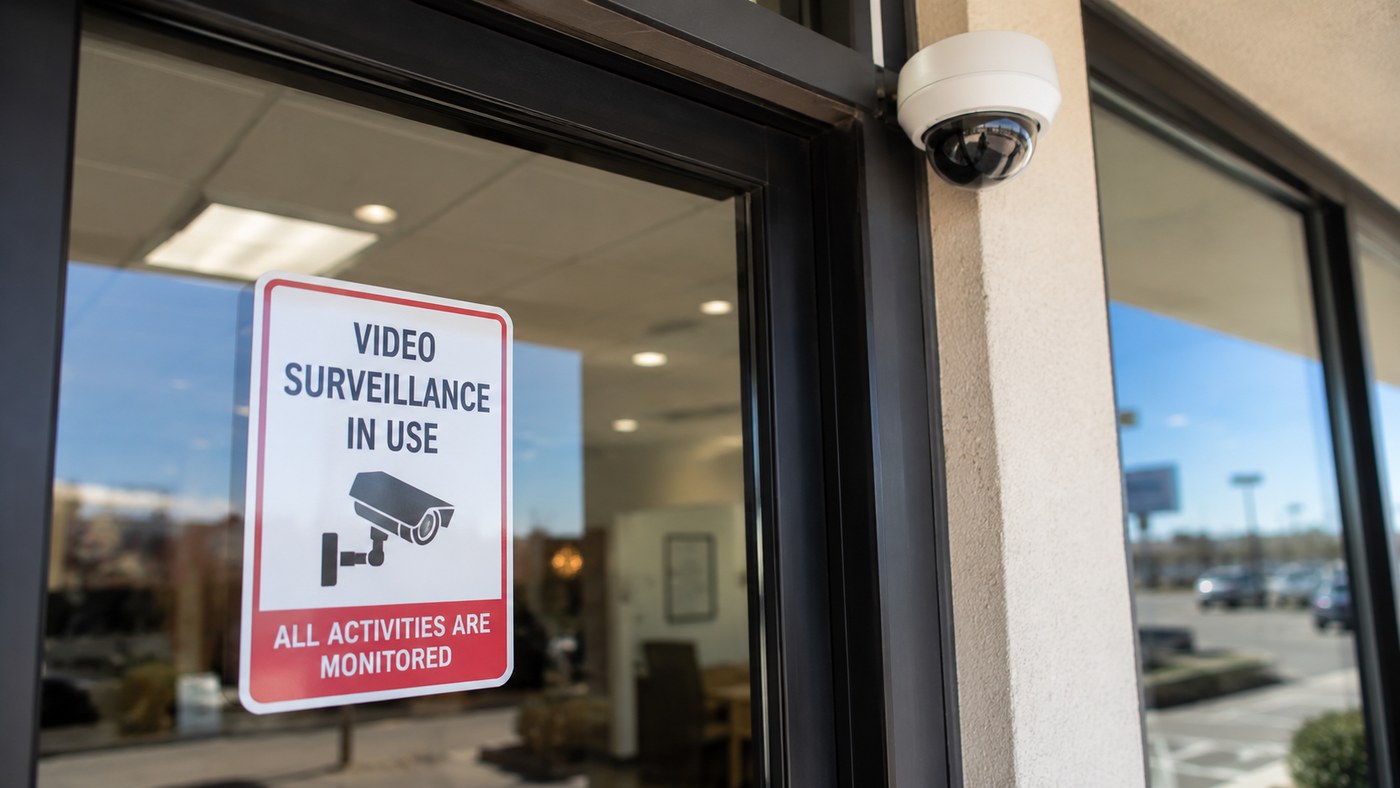
Professional camera placement serves three purposes. First, it deters crime: visible cameras at entry points signal that you monitor the property. Second, it captures usable evidence, because proper angles, lighting, and coverage zones make footage useful if something happens. Third, it closes blind spots, the areas criminals specifically look for before acting.
The 6 Locations Every Business Needs Cameras
1. All Entry and Exit Points
Every door in and out of your building needs a camera. This includes front entrances, back doors, side entrances, and loading docks. Entry point cameras need to capture faces. Mount them 7-8 feet high and angle them slightly downward so you get a clear facial image of everyone who enters. Mount a camera too high and it catches the tops of heads, which does little to help you identify anyone.
2. Parking Lots and Exterior Perimeter
Most crimes against businesses happen outside, not inside. Parking lot cameras deter vehicle break-ins, capture license plates, and document incidents before they reach your building. For license plate capture, put a dedicated camera at the lot entrance at bumper height. A standard wide-angle camera mounted up high almost never captures a readable plate.
3. Cash Registers and Point-of-Sale Areas
POS cameras protect you from two directions: external theft and internal theft. Position cameras to capture both the customer side and the register screen. This angle documents transactions, disputes, and any cash handling that goes wrong. Many business owners find their biggest shrinkage problem is internal, not external.
4. High-Value Storage Areas
Server rooms, stockrooms, safes, pharmacies, cash counting rooms: any area where you keep your most valuable assets needs dedicated coverage. These cameras should sit on a separate access-controlled recording loop with longer retention than your general cameras.
5. Blind Spots and Transition Zones
Transition zones are the areas between monitored spaces: hallways between the sales floor and stockroom, stairwells, elevators, and corners where two camera fields don't quite overlap. These are the spots experienced shoplifters and criminals specifically look for. A professional camera assessment maps these zones and closes them before an incident happens.
6. Reception and Waiting Areas
For offices, clinics, and service businesses, the reception area is where most visitor contact happens. Cameras here document who came in, when, and what interactions occurred. This matters most for regulated industries like healthcare and financial services, where visitor documentation is part of compliance.
How High Should Business Security Cameras Be Mounted?
Mounting height depends on what you need the camera to capture.
- Facial identification: 7-8 feet, angled slightly downward at entry points
- Wide area coverage: 9-10 feet for retail floors, warehouses, and open spaces
- License plate capture: 3-4 feet at lot entrances, camera level with vehicle bumpers
- Perimeter overview: 10-12 feet on building corners for the widest field of view
The most common mistake is mounting every camera as high as possible to avoid tampering. High mounting cuts tampering risk but also cuts footage quality for identification. The better approach is to balance both: use tamper-resistant housings at standard heights instead of sacrificing image quality by mounting too high.
Indoor vs Outdoor Camera Placement
Indoor and outdoor cameras have different needs beyond just weatherproofing.
Outdoor cameras need to handle direct sunlight, rain, temperature swings, and night conditions. Wide dynamic range (WDR) is essential for outdoor cameras. Without it, a camera facing a bright exterior produces silhouettes instead of faces when someone walks in from outside. This is one of the most common reasons business owners pull up footage after an incident and find it unusable.
Indoor cameras deal with controlled lighting but face different challenges: reflective surfaces, glass partitions, and artificial lighting that can wash out images. Positioning indoor cameras away from direct light sources and reflective surfaces improves footage quality without changing any settings.
How Many Cameras Does Your Business Need?
There's no single answer, but here's a simple way to size it by business type:
- Small retail or office (under 2,000 sq ft): 4-6 cameras covering entrances, POS, and exterior
- Mid-size retail or restaurant (2,000-5,000 sq ft): 8-12 cameras with full interior and exterior coverage
- Warehouse or industrial (5,000+ sq ft): 12-20+ cameras depending on layout and access points
- Multi-location businesses: a standard camera count per location, managed through a single cloud dashboard
Your floor plan determines the right number, not a standard package. A professional security camera installation assessment maps your specific layout and finds the fewest cameras needed to close every blind spot, so you're not paying for cameras you don't need.
The Biggest Camera Placement Mistakes Businesses Make
These are the placement errors that show up most often when businesses call us after an incident:
- Cameras pointed at the sky or ground: bad tilt angle after installation, never adjusted
- Back door with no camera: front entrance covered, rear entrance completely blind
- Parking lot camera with no plate coverage: wide view captures the lot but plates are never readable
- Camera blocked by signage or shelving: field of view obstructed, never noticed until you need the footage
- No camera at the register: floor covered but the highest-risk transaction area sits unmonitored
- Single camera covering too large an area: wide angle captures everything at too low a resolution to be useful
You won't catch most of these mistakes until after an incident, when pulling footage reveals a blind spot that's been there since day one. A professional installation includes a coverage review before the crew finishes, to confirm you've covered every zone.
Does Camera Placement Affect Insurance?
Yes, and it's worth asking your provider directly. Many commercial property and liability insurers offer premium discounts for businesses with documented security camera systems. Some require cameras at specific locations, like entrances and cash handling areas, to qualify. A professional installation with a documented camera map is the easiest way to meet those requirements and support a claim if you ever need to file one.
The Insurance Information Institute lists security cameras among the protections it recommends for businesses working to reduce theft.
Get a Professional Camera Placement Assessment
The difference between a camera system that protects your business and one that just looks like it does comes down to placement. Getting it right the first time saves you from finding a blind spot after something goes wrong.
Wired NM designs and installs commercial security camera systems for businesses across Albuquerque and New Mexico. We assess your layout, find every blind spot, and build a coverage plan before a single camera goes up.